
Remove maps you no longer need to keep your workspace tidy and well-organized.
Delete Map
Touch and hold the map you want to delete.
After selecting the first map, you can tap additional maps to delete several at once.Tap the delete button in the action bar.
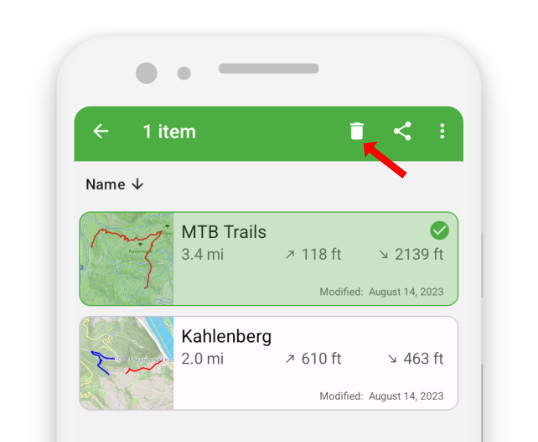
- Confirm the deletion.
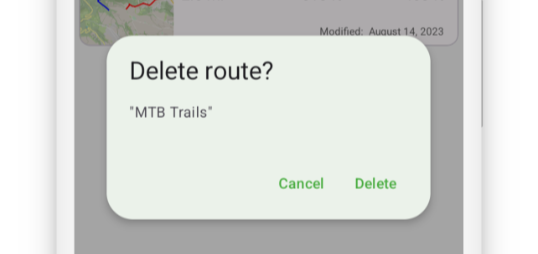
Deleting maps helps you reduce clutter and maintain a clean map list.
Note: Deleted maps cannot be restored, so proceed with caution.