
Create a copy of an existing map to work on variations or keep a separate backup.
Duplicate Map
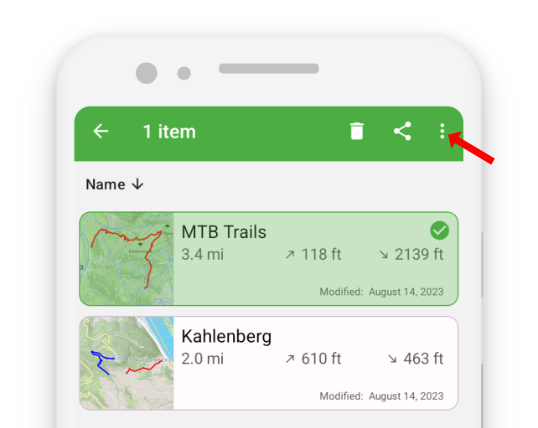
- Touch and hold the map you want to duplicate.
- Tap the three-dots button in the action bar to open additional options.
- Select “Duplicate.”
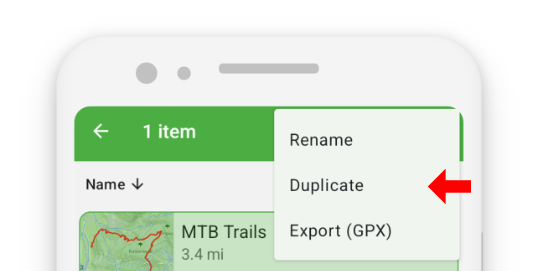
- A dialog appears where you can enter a new name for the copied map.

Duplicating maps is helpful when you want to create alternative versions of a route or maintain different map states without overwriting your original.