
Premium users can share their maps directly as GPX files — either from the Maps List or from the Map View. This makes it easy to use your routes in other apps or send them to others.
Share from Maps List
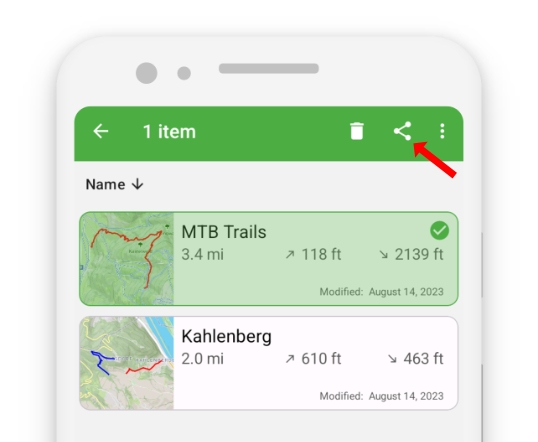
- Touch and hold the map you want to share to select it.
After selecting the first map, you can tap additional maps to select multiple at once. - Tap the share button in the action bar.
- Select “Share file.”
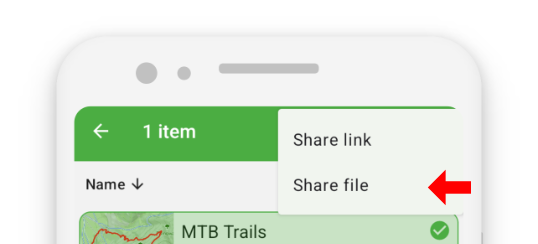
- Choose the app you want to use — such as another mapping app, WhatsApp, an email app, or any other preferred option.
Share from Map View
- In the Map View, tap the share button
 in the action bar.
 - Select “Share file”.
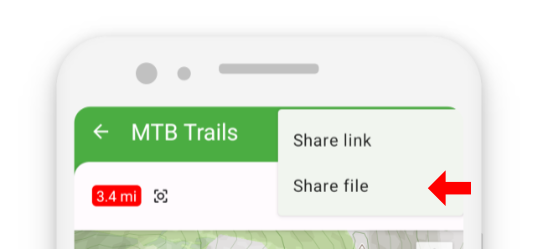
- Choose the app you want to use to process or send the GPX file.
Sharing GPX files lets you collaborate easily and use your routes across different platforms and applications.